
Wylie Warrant Search Portal Offers Six Routes
The Wylie payment portal exposes searches by citation number with date of birth; driver license with state; Social Security number with date of birth; vehicle plate with state; first and last name with date of birth; or business name. These are alternatives for locating a case, not a warrant roster. Use only the official municipal portal, and do not share private identifiers in public examples.
The portal cautions that not every violation appears online. The court's contact page is the follow-up route for a missing result and should be checked before payment or a conclusion about status.
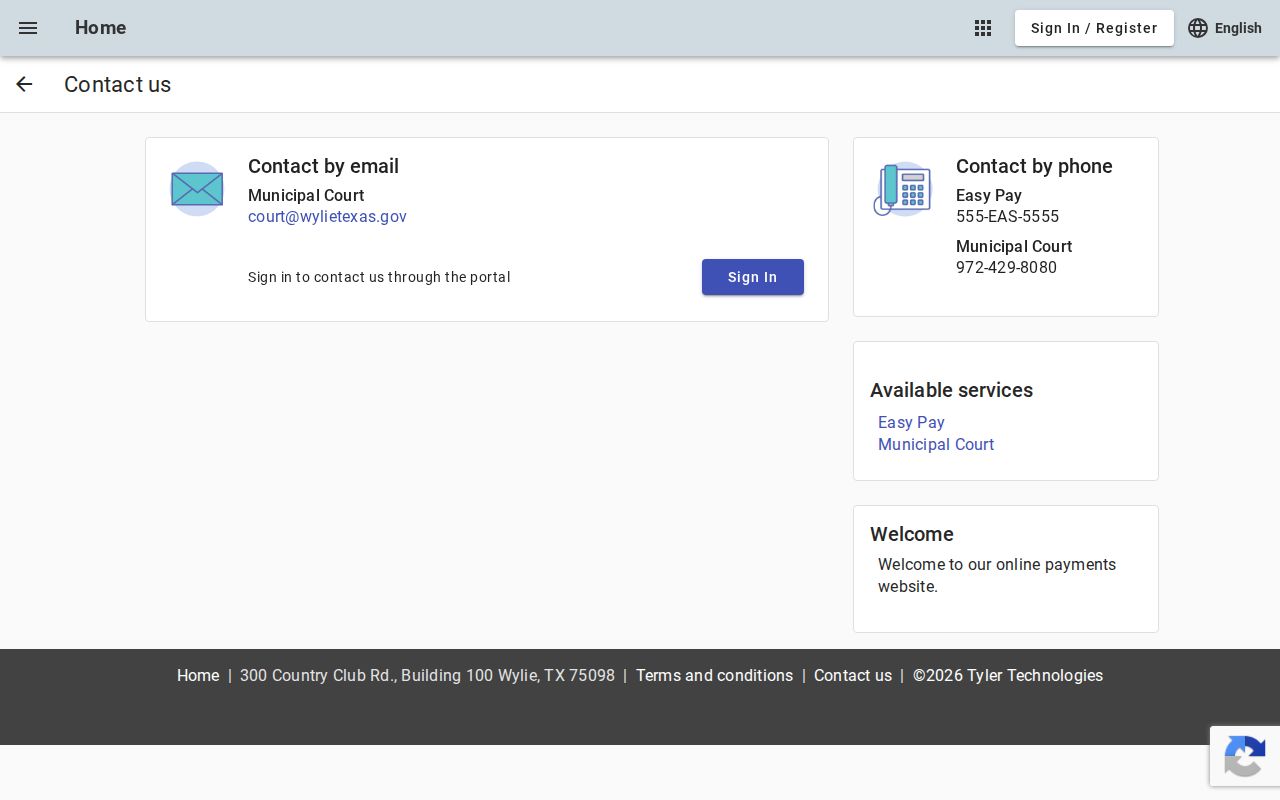
For a failed search or a missing matter, call Municipal Court at (972) 429-8080 or write to court@wylietexas.gov.
How to Check for a Warrant in Wylie
Use Wylie’s official Municipal Court search and match your identifier to the route selected. The portal accepts citation and date of birth, license and state, Social Security number and date of birth, plate and state, name and date of birth, or business name. It says not all violations appear online, so a no-match result is incomplete. Contact the clerk before paying if the citation, status, or amount is unclear.
- Open the official Wylie Municipal Court search and choose an identifier set you can provide accurately.
- Read the match and portal notice; some violations are not listed online.
- Call (972) 429-8080 to confirm a missing case, balance, warrant status, or payment route.
- Use the Police Department page for police services, not a court-docket answer.
- For a different court’s matter, check the relevant Collin County source and verify with its clerk.
Wylie Warrant Status Has a 72-Hour Notice
The municipal portal says a warrant may take up to 72 hours to clear after an online payment. The payment date and the court’s posting status both matter: a receipt shows a transaction, while the court must confirm that the related case or warrant record has updated. If the window has not passed, ask when to check again. If it has passed, contact the clerk with the receipt and citation information.
Do not treat the estimate as a guarantee that every warrant clears automatically. Ask whether another court step, hearing, or review remains.
The Wylie Police Department and Municipal Court
Wylie Municipal Court is the source for city citations, payment status, settings, and warrant information. The Police Department is a separate agency; its official page is for police services. Research did not confirm a current direct police phone or address block, so do not substitute the police page for a court-status answer.
The court lists 300 Country Club Road, Building 100, Wylie, TX 75098, phone (972) 429-8080, and court@wylietexas.gov. Check the current contact page before visiting. Ask whether a payment has posted, whether a hearing remains, and which identifier the clerk can use.
Wylie Municipal Court
300 Country Club Road, Building 100
Wylie, TX 75098
(972) 429-8080
Wylie Warrant Resolution Day Was a Dated Event
Wylie’s public notice described a Warrant Resolution Day on April 20, 2024 for eligible Class C warrant holders. It documents a program at that time, not a standing promise of a future event or a permanent no-arrest option. Look for a new announcement from the court and confirm eligibility with the clerk before relying on another date.
The archived notice can explain a local resolution docket, but it is not current scheduling information.
Read Wylie's April 2024 resolution noticeWylie Warrant Matters Start With Class C Cases
Wylie’s portal and resolution notice focus on municipal citations and Class C warrant matters. The exact label and procedure depend on the docket. The city advises users to call before paying, especially where the result includes show-cause terms or the portal warns that payment can affect hearing or appeal options.
| Warrant Type | How It Arises | Who Issues It |
|---|---|---|
| Class C citation | City traffic or ordinance matter, when available in the municipal portal | Wylie Municipal Court |
| Failure-to-appear warrant | Ask the clerk whether a missed setting created a court warrant | Issuing court |
| Show-cause payment | Some portal paths may waive a hearing or appeal and result in conviction | Wylie Municipal Court |
| Criminal arrest warrant | Separate criminal process outside the city ticket search | Issuing magistrate or criminal court |
Wylie Warrant Payment Notices Carry Consequences
The city portal warns that some show-cause payment paths may waive a hearing or appeal and result in a final conviction. That consequence differs from simply checking a balance. Before using a payment link, read the notice attached to the specific case and call the court if its terms or effect are unclear.
Wylie also directs users to call before paying. Ask whether payment closes the case, whether a judge must act, and how the court will confirm the result.
Wylie Warrant Search Fields Identify Cases
Wylie’s portal exposes input routes, not an inventory of every warrant-record field. A name search is one option and must be paired with date of birth. Keep those values private. For a possible match, ask the court to confirm its case number, charge, amount, warrant status, and whether another court action remains.
| Citation and date of birth | One search route pairs these two values. |
|---|---|
| License and state | A driver-license route requires the issuing state. |
| Social Security number and DOB | A separate portal route uses both values. |
| Plate and state | Vehicle search combines plate with its state. |
| Name and date of birth | Both name fields and DOB are used together. |
| Business name | A separate search option appears for businesses. |
Wylie Warrant Follow-Up Uses Court Contacts
For a blank search, missing violation, or payment with an uncertain effect, contact the court directly. Wylie lists an email, telephone, and service-counter address; these details let a resident ask for the right identifier, request a status check, or confirm whether the 72-hour clearing notice applies.
The contact route provides an alternative to repeating searches with more personal data. Share only what the court needs to locate the case.
Where Wylie Warrants Fit With Collin County
Wylie Municipal Court controls city citation and show-cause records, while Collin County courts and the Sheriff cover separate county matters. The state does not offer one public statewide warrant-search database. For county routes, use Collin County warrant records and confirm any result with the issuing clerk.
Record route: Wylie Municipal Court for city cases › Collin County court or Sheriff for county cases › no single public statewide search.
Wylie Warrant Receipts Need Court Status
Keep the portal receipt and note the payment date. Wylie’s up-to-72-hour notice means the online record may not show an update immediately. If a warrant remains visible after that window, contact the clerk with the receipt and citation details; ask whether the transaction posted and whether another court step remains. A transaction confirmation alone does not establish that the docket changed.
This follow-up matters when an online payment carries show-cause consequences or when a final disposition needs confirmation.
Public Access to Wylie Warrant Records
Ask Wylie Municipal Court for existing public docket information and use the Police Department’s official channel for records it maintains. Texas public-information law has exceptions, and a request does not require the city to create a new search result. Juvenile, sealed, personal, or otherwise confidential material can be restricted. For a direct status question, the clerk may be a better source than a broad records request.
Key Rules:
Wylie can disclose existing public records under the Texas Public Information Act, Government Code Chapter 552, unless a statutory exception applies.
Under Government Code § 552.101, a Wylie record must be withheld when another law makes its contents confidential.
Access to certain juvenile justice information remains restricted under Texas Family Code Chapter 58.